VZ99 registration: get the account right the first time
Opening a VZ99 account takes a few minutes. The easy place to go wrong is your name: if it doesn't match your bank account letter for letter, your first withdrawal can be held.
Below you'll find the requirements, every form field, ID verification and the mistakes to avoid on your first try.
The VZ99 first deposit offer
100% first deposit bonus up to 8,888,000 VND
21+ · Full terms sit on the bookmaker's promotions page
What you need before VZ99 registration
VZ99 registration takes a few minutes if you have the items below ready. The one that matters most is your name, because it decides whether your first withdrawal goes through.
| Requirement | Detail | Why it matters |
|---|---|---|
| Age | Only readers 21 or older should use this guide | The bookmaker requires players of age and may check during verification. |
| Phone number | Registered to you and able to receive texts | Codes go to this number; changing it later means a support ticket. |
| Full name | Identical to the name on your bank account | One character out of place and the payout is held. |
| Bank account | In your own name | Payouts go to an account under the same name. |
| ID document | National ID card or passport | May be requested before the first payout. |
| Number of accounts | One per person | Under the rules the bookmaker publishes, duplicates can be locked. |
VZ99 sign up on a phone or computer
VZ99 sign up steps are the same on both; the keyboard is what changes. Pick your device.
Opening a VZ99 account on a phone
Open the bookmaker's site
Tap the sign-up button in this guide or open an app installed from the right source.
Tap Register
The button sits in a top corner, next to the login button.
Fill in the form
Username, password, phone number and full name. Some versions also ask for an email.
Enter the code
Type the code sent by text, or the captcha shown on the form.
Review your profile
Log in, open your personal details and read your name and phone number again.
Phone keyboards like to capitalise the first letter and autocorrect words. Turn autocorrect off while typing the username and password so a single character doesn't change behind your back.
Opening an account on a computer
You click through the same steps as on a phone. The trouble tends to come from Vietnamese typing software: with Telex input still on, "aa" in a password turns into "â" and "dd" into "đ". The password box only shows dots, so you never see it happen.
Switch the input to English before typing the username and password, then switch back for your name if your bank prints it with accents. Keep the password in a password manager rather than on a sticky note by the screen.
On a shared computer at an internet café or office, don't let the browser save the password, and log out before you leave.
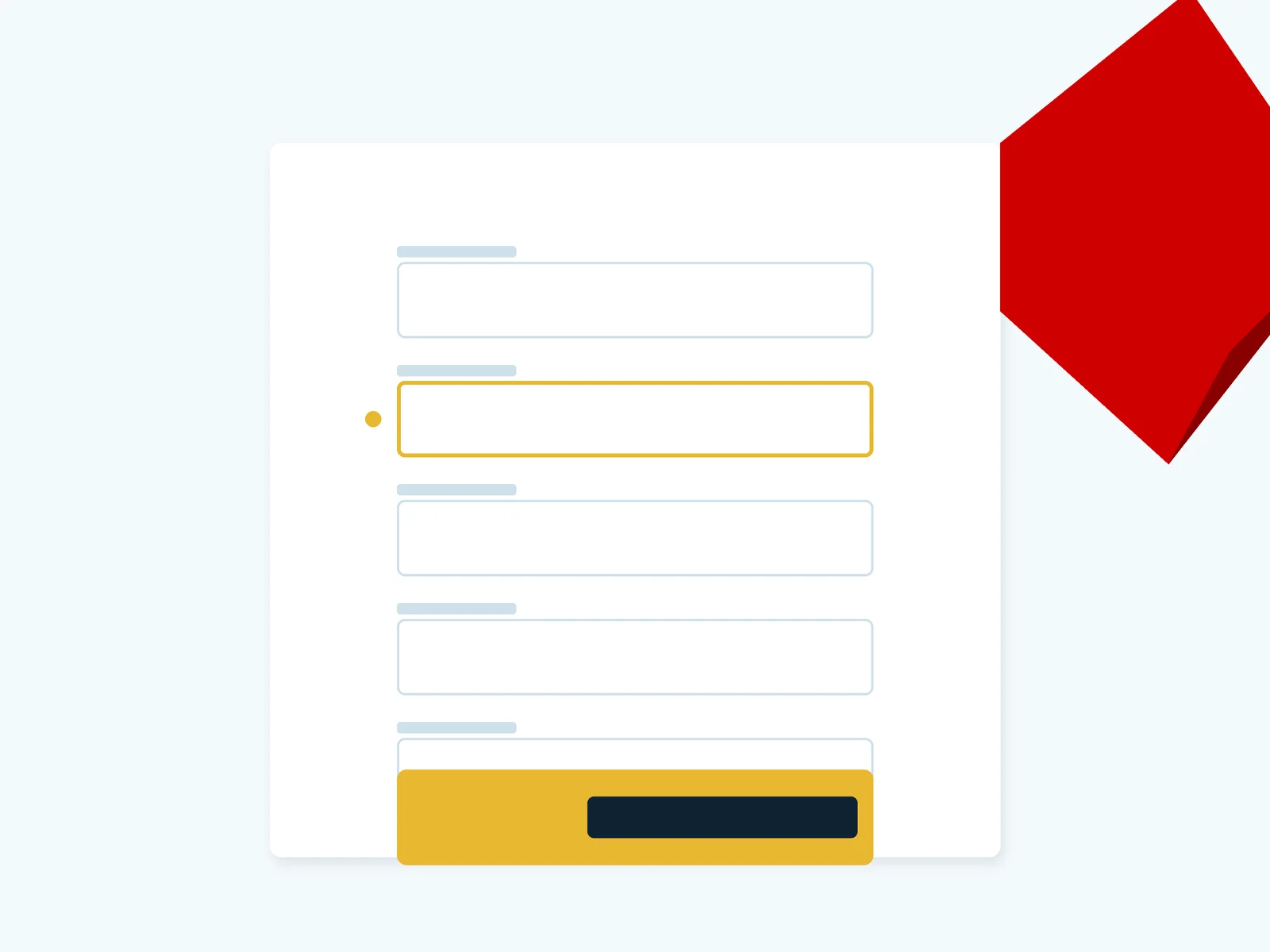
Every field on the VZ99 account form
Field labels can shift slightly between versions of the site. The table follows the fields you are most likely to meet when you create a VZ99 account.
| Field | What to enter | Common mistake |
|---|---|---|
| Username | Plain letters and digits, easy to remember, without your full name | Picking a name someone already has. |
| Password | Long, with capitals, lower case and digits; not your email password | Typing it with Vietnamese input switched on. |
| Phone number | A number registered to you | Borrowing a relative's number, then missing codes later. |
| Full name | As printed on your bank account | Initials, a missing middle name, family and given names swapped. |
| Email, if asked | An inbox you can open | An abandoned address that can't reset a password. |
| Verification code | The code you just got, typed at once | Waiting too long until it expires. |
VZ99 account ID verification
Verification is not required the moment you open a VZ99 account; the request lands before the first withdrawal. Photograph your documents when you open the account and the first payout waits on nothing.
Documents to have ready
- clear photos of both sides of your national ID card, or the passport data page, without glare;
- a bank account in your name that matches the ID exactly;
- the phone number you signed up with, to receive codes.
Where to upload them
Upload photos only in the verification section inside your account. If you can't find it, ask support in the live chat on the bookmaker's site and follow the instructions given in that same chat.
Five sign-up mistakes that cause trouble later
- A name that differs from the bank. A missing middle name or initials count as different. Fix it as soon as you notice, before any deposit.
- A second account. Forgetting a password and registering again can get both accounts locked under the one-per-person rule. Reset the password instead.
- A borrowed phone number. Password resets and verification codes end up on someone else's phone.
- Reusing your email password. One leak loses both. Give the betting account its own password.
- Signing up through a strange link. A fake form looks identical, and whatever you type goes straight to a scammer. Check the address with the VZ99 login guide before you fill anything in.
VZ99 promo codes at sign-up
We have found no promo code for VZ99 registration. If the form has a referral box, you can leave it empty. Don't buy "VIP codes" from sellers online: nothing we have read suggests the first deposit bonus needs one.
The offer the bookmaker announces for new accounts is the first deposit bonus:
The VZ99 first deposit offer
100% first deposit bonus up to 8,888,000 VND
21+ · Full terms sit on the bookmaker's promotions page
Claim the first deposit bonusThe promotions section inside your account spells out wagering, time limits and eligible games. Go through it before depositing, because once the bonus is on, the balance stays put until you clear it.
Account open: what comes next
Next time you come back, follow the VZ99 login guide to stay clear of fake pages. To play on your phone, see the VZ99 app download page for Android and iPhone.
Before depositing a meaningful sum, read the facts table on is VZ99 legit. Game lobbies and payment methods are summed up in the VZ99 casino review.
VZ99 sign up questions
A few minutes with your phone and bank details at hand. ID verification comes later, before the first withdrawal.
Check the number you typed, your signal and your spam texts. Wait a few minutes and request it again. If it still doesn't come, ask support in the live chat on the bookmaker's site.
Write it the way your bank prints the account holder's name. Many Vietnamese banks print names in capitals without accents; if yours does, copy that.
No. The rule is one account per person, and duplicate accounts can be locked along with their balances.
Yes. It asks for a national ID card or passport plus a bank account in the same name before it releases a payout.
No. The form has no code field; the first deposit bonus applies as soon as you pay in.
We write only for adults 21 or older. Nobody under that age should open a betting account, and the bookmaker may lock accounts that fail an age check.